
Roll over image to zoom in
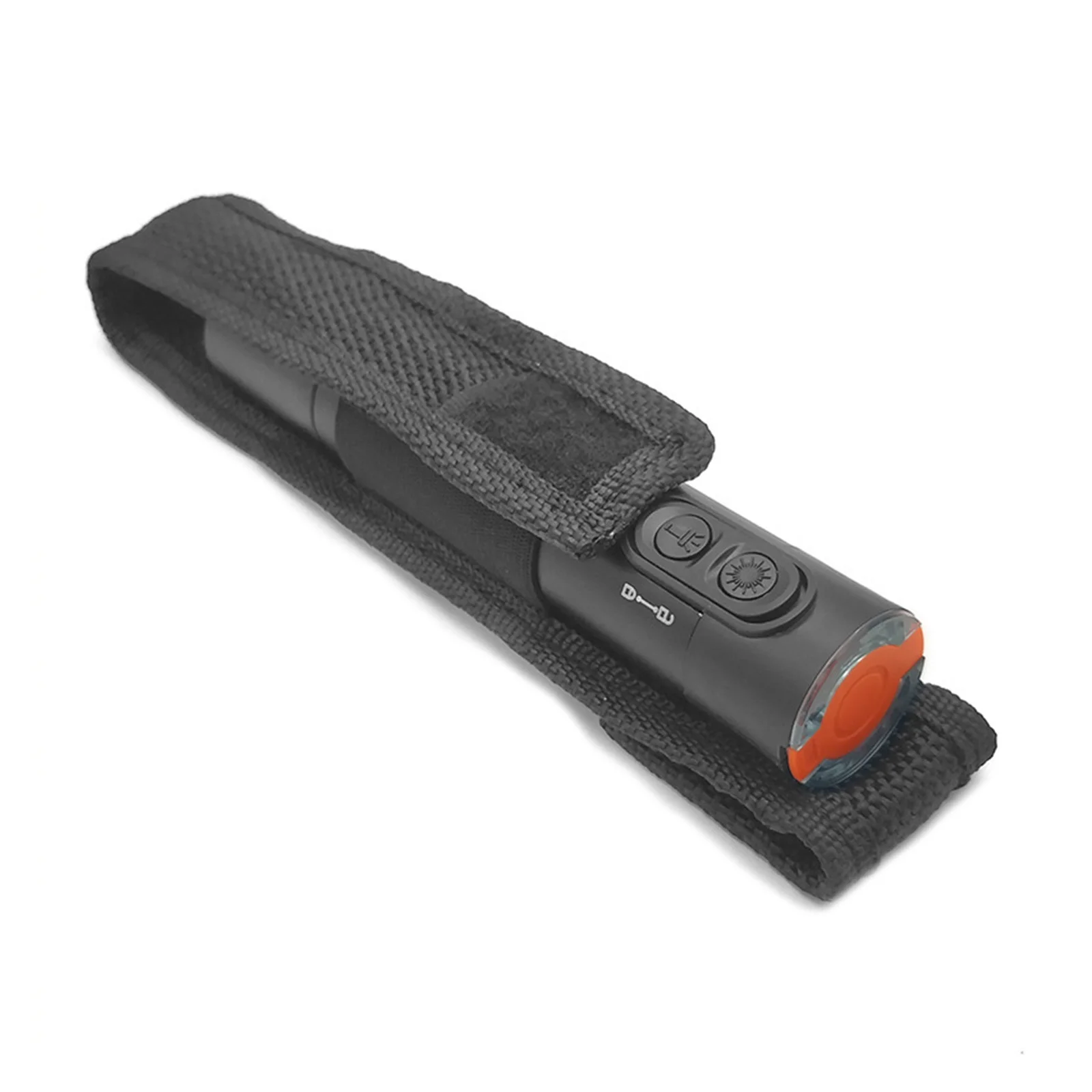
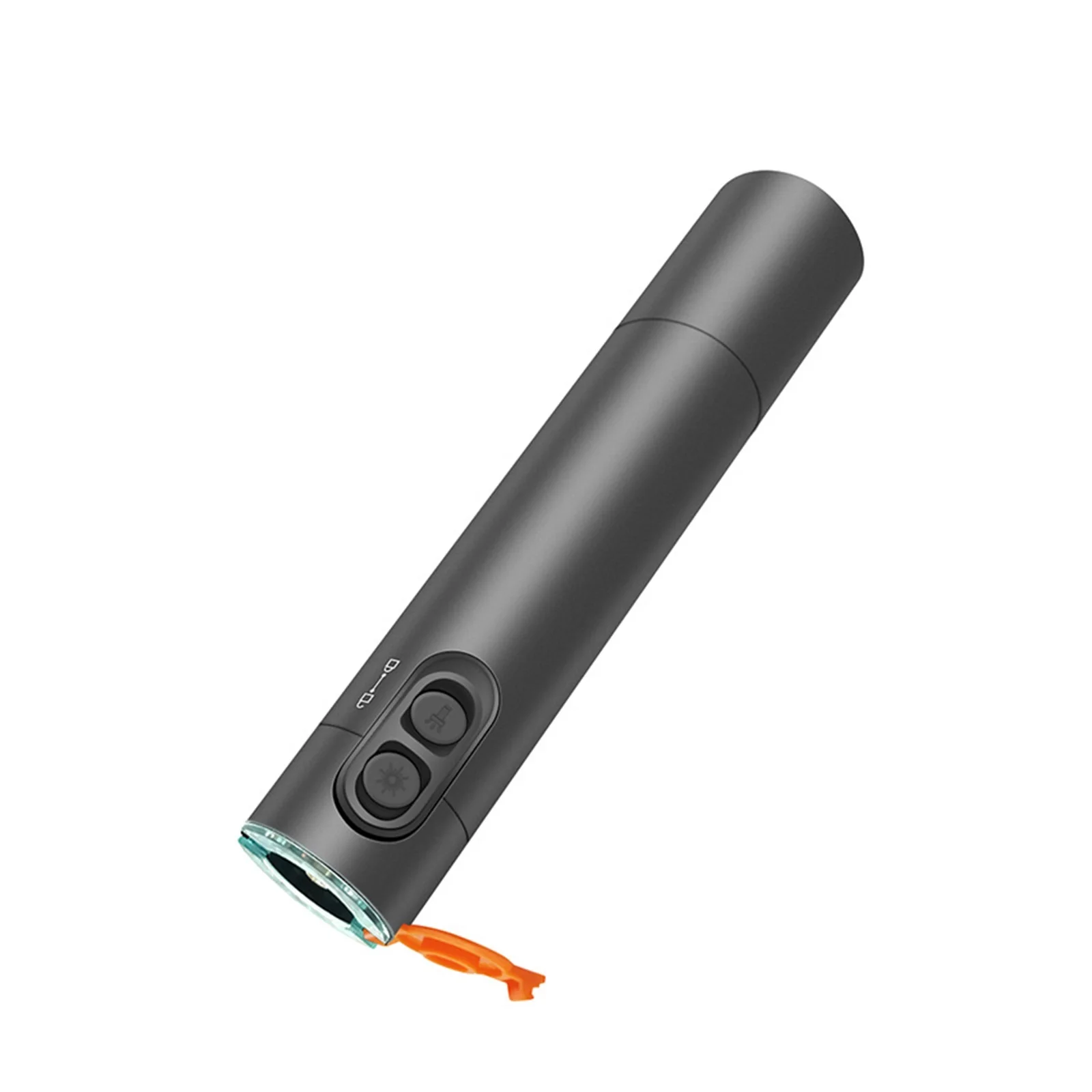
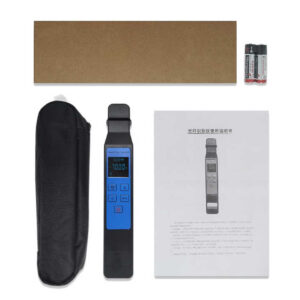
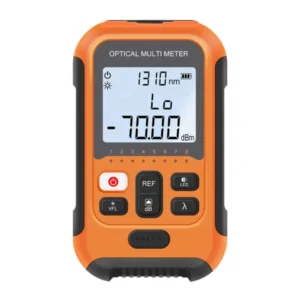
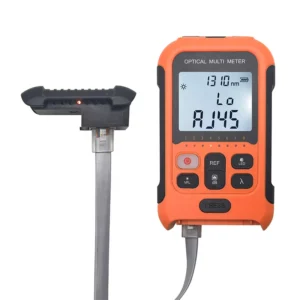
Fiber Red Light Pen Optical Cable Tester
KSh2,000.00
- Detailed introduction
- The most common use is to detect fiber connectivity and locate fiber failure points. How do I use a red light pen? The red light pen has two operating modes: a constant brightness mode, which can stably demonstrate the connectivity of fiber optic cords through continuous light; Another flicker mode, which quickly finds fiber failure points through flashing light. The specific usage method is as follows:
- 1. Check whether it is charged and whether the red light pen is in good condition
- Unscrew the pen head and body of the red light pen, fully charge the red light pen and install it. Tighten the pen head and body, open the dust cap and control switch of the red light pen, and observe whether the red light pen has red light. If there is red light, it indicates that the red light pen is installed correctly and can be used;
Order Via WhatsApp
Fiber Red Light Pen Optical Cable Tester
Fiber Red Light Pen Optical Cable Tester; Interface pull-out protection design:Waterproof, dustproof, and fall proof, with longer service life
With Strong Lighting:Equipped with a bright LED flashlight for convenient construction in dark environments
Stable light emission and High Transmittancesirong light saurce:Red light sourceEasily penetratelong-distince oplical fibers
Highligiht small:LED LightingHasshlighit funcionEnsily handle lowlight environments
Lange capacity:Portable Charging Banklithiurn batteryEmergenicy charging of smart devices
- Detailed introduction
- The most common use is to detect fiber connectivity and locate fiber failure points. How do I use a red light pen? The red light pen has two operating modes: a constant brightness mode, which can stably demonstrate the connectivity of fiber optic cords through continuous light; Another flicker mode, which quickly finds fiber failure points through flashing light. The specific usage method is as follows:
- 1. Check whether it is charged and whether the red light pen is in good condition
- Unscrew the pen head and body of the red light pen, fully charge the red light pen and install it. Tighten the pen head and body, open the dust cap and control switch of the red light pen, and observe whether the red light pen has red light. If there is red light, it indicates that the red light pen is installed correctly and can be used;
- 2.Select the appropriate connector according to the type of optical fiber jumper
- Select the appropriate connector based on the type of optical fiber jumper (that is, the interface type of the optical fiber jumper). If the LC optical fiber jumper is selected, install the LC connector on the interface of the red light pen, and then insert the optical fiber jumper onto the connector of the red light pen (please use a cleaning tool to clean its interface before inserting the optical fiber jumper);
- 3. Turn on the red light pen working mode to detect the optical fiber jumper
- First, select the constant light mode of the red light pen (push up), and check whether the optical fiber jumper is connected and intact through continuous light. If there is no red light leakage in the optical fiber jumper, it indicates that the optical fiber jumper is intact. If there is a red light leakage somewhere in the optical fiber jumper, turn on the flashing mode of the red light pen (push down), and quickly find the fault point of the optical fiber jumper through the flashing light. If the optical fiber jumper is damaged due to excessive bending of the optical fiber, it is sufficient to replace the optical fiber jumper. If the fault point of the optical fiber jumper is at the optical fiber joint, there may be bubbles at the joint, and the optical fiber needs to be re fused.
- Precautions for using red light pen
- 1.is harmful to the eyes, so when using a red light pen, avoid direct light into the eyes;
- 2.When using a red light pen, it is best to clean the optical fiber jumper interface with a cleaning tool;
- 3. Generally, lasers will shorten their service life in high-temperature working environments, so red light pens should be avoided as much as possible in high-temperature working environments;
- 4. When using or not using a red light pen for a long time, it is necessary to wear a dust cap in time to avoid dust, oil, and other pollution;
- 5. To avoid damaging the red light pen due to battery decay, please remove the battery in a timely manner when the red light pen is not used for a long time.
Reviews
There are no reviews yet.